
How to Measure ROI of AI Automation (A Simple Scorecard for Small Businesses)
- Sam Weinstein
- Apr 15
- 2 min read

You don’t need more AI features. You need proof.
If you’ve already paid for AI inside email, docs, your CRM, or a help desk tool—but can’t point to a number you trust—this guide is for you.

The hidden cost of pilot purgatory
When AI use is informal—one person uses it, another doesn’t—you pay for tools without building a reliable process. That creates seat sprawl, quality debt, and an owner bottleneck.
What ROI of AI automation means for a small business
For SMBs, ROI is a measurable change in time, quality, or revenue speed—minus the real costs to run the workflow.
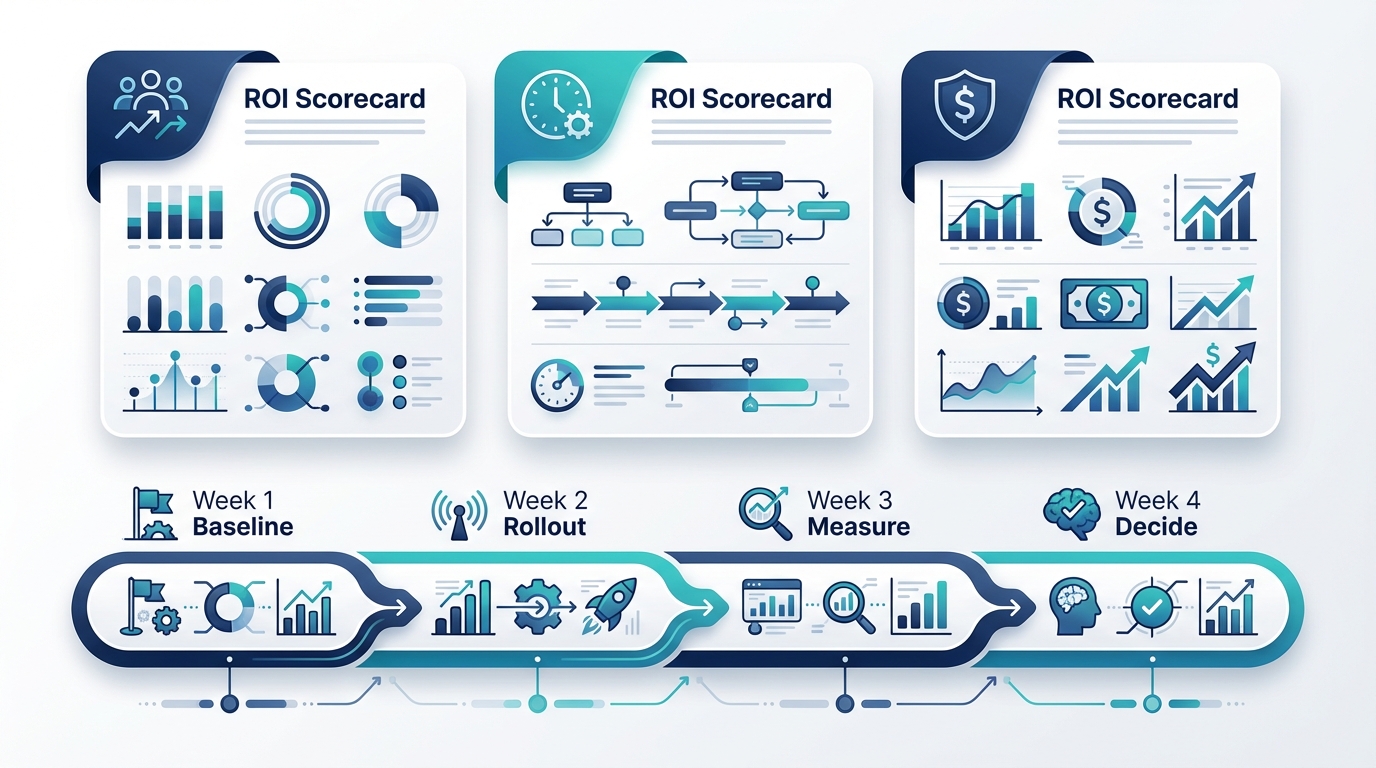
The AI ROI Scorecard (copy/paste template)
Track three things weekly for ONE workflow: (1) adoption, (2) operational impact, and (3) financial return.
1) Adoption metrics
Active users/week; usage by role; percent of work items touched by AI. If adoption is under ~60–70% after two weeks, fix the workflow before adding more tools.
2) Operational metrics
Cycle time, first-response time, and rework/escalation rate. Define “good enough” in writing (for example: under 5% escalations on basic tickets).
3) Financial metrics (simple formula)
Monthly value created = (items/month × minutes saved ÷ 60) × fully loaded hourly rate. Net monthly ROI subtracts software costs and maintenance time (QA, template updates, training).
A 30-day plan to prove ROI
Choose one high-volume workflow, baseline cycle time + rework, define guardrails and escalation rules, roll out with human-in-the-loop review, track adoption weekly, convert impact to dollars, and make a scale/stop decision at day 30.
Quick ROI example
Example: 500 tickets/month × 3 minutes saved = 25 hours saved. At $35/hour that’s $875/month. Subtract $120 software and $70 QA time to net $685/month.
FAQ
How do you calculate ROI for AI automation?
(items/month × minutes saved ÷ 60) × hourly rate, minus software costs and maintenance time. Track rework/escalations so you don’t trade speed for mistakes.
Should AI be allowed to send customer emails automatically?
Not at the start. Begin with AI-assisted drafts + human approval, prove a low error rate, then consider limited auto-send for low-risk categories.

Next step
Choose one workflow, baseline it, and track the scorecard weekly for 30 days. If you want help, book a 20-minute AI ROI audit.
Comments